OpenAI Dots + Dots Phone · 60 seconds
Watch your Dot make the call.
A request to OpenAI Dots becomes a prepared call, a phone menu and a reviewed answer through the Dots Phone plugin.
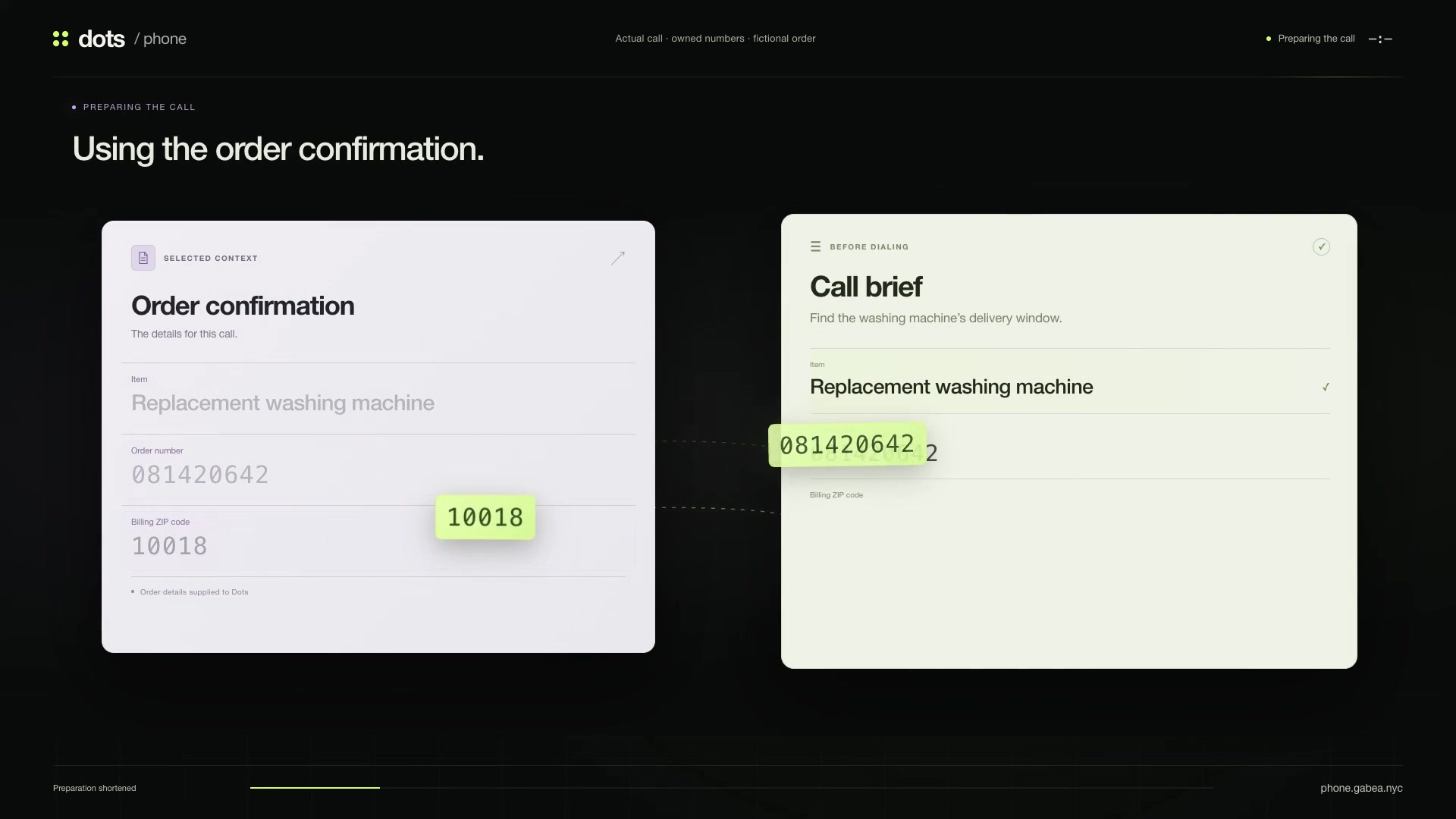
An actual call between owned test numbers, using a fictional order.
Read the transcript
Preparation and waits are shortened in the video; speech plays at its original speed. Keypad entries below are actions, not spoken dialogue.
- On screen · Request to Dots
Find out when my replacement washing machine will arrive.
- On screen · Dots
I’ll check with Cedar Home now.
- Cedar Home IVR
Thank you for calling Cedar Home. For order status, press 2. To repeat this menu, press 9.
- Keypad · Not spoken
Sent
2. - Cedar Home IVR
Please enter your nine-digit order number, followed by pound.
- Keypad · Not spoken
Sent
081420642#. - Cedar Home IVR
Enter the five-digit billing ZIP code, followed by pound.
- Keypad · Not spoken
Sent
10018#. - Cedar Home IVR
Moment while we retrieve your delivery details.
- Cedar Home IVR
Your replacement washing machine is scheduled for Friday, October 23, from 10 a.m. to 2 p.m. Eastern Time.
- Cedar Home IVR
The driver will call 30 minutes before arrival.
- Cedar Home IVR
Press 1 to repeat or hang up.
- On screen · Dots result
Cedar Home confirmed Friday, October 23, from 10 a.m. to 2 p.m. Eastern. The driver will call 30 minutes before arrival. The result is reviewed and the call is closed.
Dots Phone is an open-source preview you run on your computer.
Get started